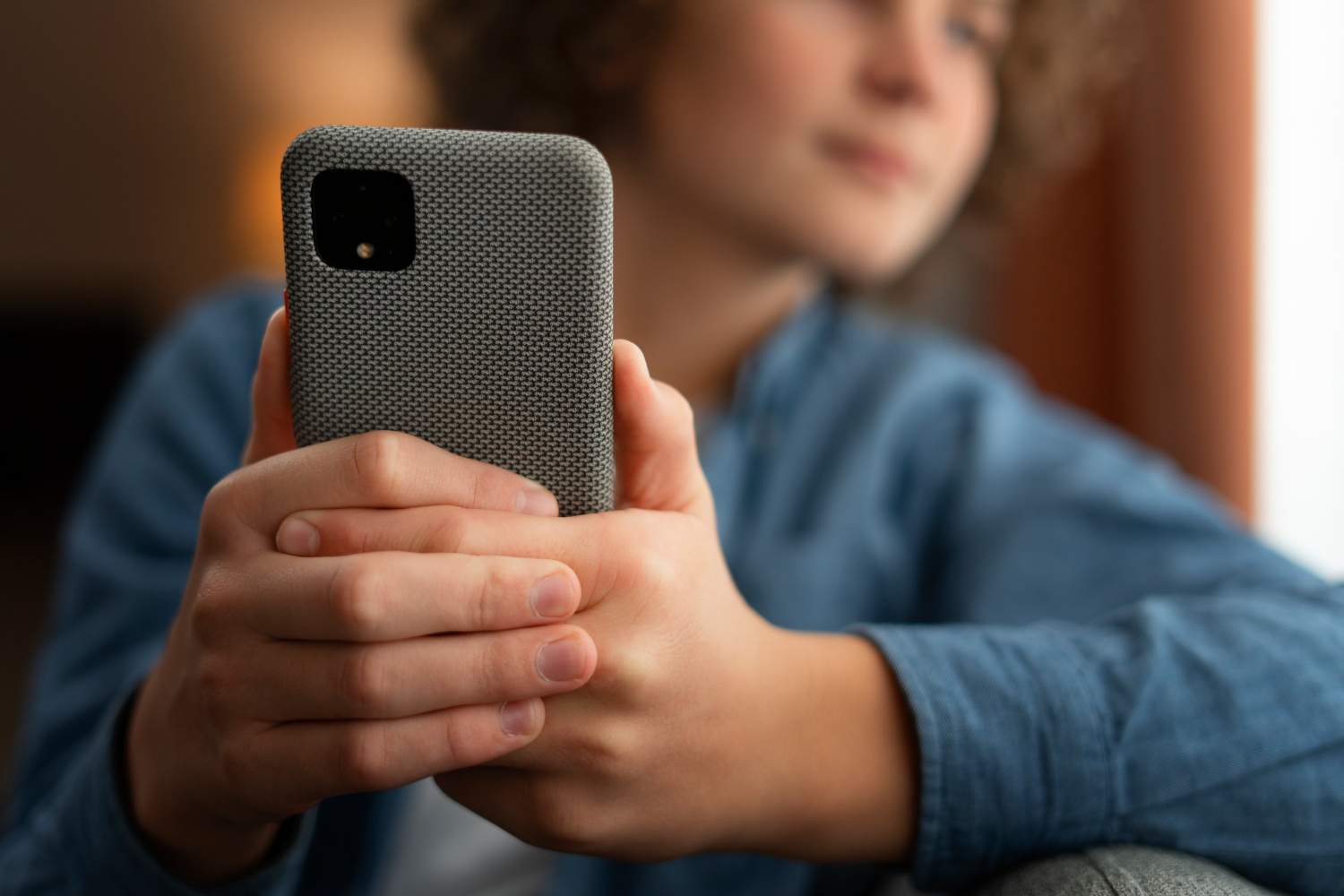
Cases and screen protectors in 2026 look like simple accessories, but the wrong combination can quietly ruin the experience of a great phone. People buy a thick case for “maximum protection,” add a cheap screen protector, and then wonder why touch feels less precise, why wireless charging becomes picky, or why NFC payments fail at random. The problem isn’t that protection is bad. The problem is mismatched materials, poor fit, excessive thickness, and low-quality glass or adhesive that interferes with sensors and radio performance. Good protection should feel invisible in daily use. Touch should stay responsive, the phone should still get strong signal, wireless charging should be stable on a pad, and NFC should work with a quick tap instead of repeated retries. The lifehack is choosing protection based on how you actually use the phone—wireless charging, car mounts, NFC payments, camera usage—and then doing quick tests the moment you apply it, while returns are still easy. A case and protector setup is “good” only if it protects the device and preserves the device experience.
Cases that protect without causing new problems: thickness, materials, camera lip, and grip that prevents drops

The best protection starts with preventing drops, not just surviving them. A case that’s too slippery can increase drop risk even if it’s thick. The lifehack is prioritizing grip and corner protection, because corners are where impact energy concentrates. Look for a case design with reinforced corners and a slightly raised lip around both the screen and the camera area. The camera lip matters in 2026 because camera modules are large, and a case that leaves the lenses exposed can lead to scratches that permanently affect photo quality. Thickness is the tradeoff knob. Thicker cases can absorb more shock, but they can also trap heat, make wireless charging less reliable, and feel uncomfortable. A balanced case often protects better than an ultra-thick case because you’re more likely to keep using it and less likely to drop the phone due to awkward handling. Materials matter too. Some materials offer better shock absorption, others offer better rigidity, and some become slippery when your hands are dry. If you rely on wireless charging, be especially careful with cases that add metal plates or heavy magnet assemblies in the wrong place, because they can interfere with charging alignment and can create heat. The safest approach is a case that is designed with wireless charging in mind and doesn’t add unnecessary layers between the phone and the charger. A good case should also fit precisely around buttons and ports. Loose fit can lead to wobble, dust intrusion, and a “creaky” feel that makes the phone less pleasant to use.
Screen protectors that keep touch and clarity: glass quality, adhesive coverage, and avoiding sensor and edge issues
Screen protectors fail in predictable ways: touch feels delayed, the screen looks hazy, edges lift, or the fingerprint sensor becomes unreliable. The lifehack is choosing a protector that matches your phone’s sensor design and screen shape. If your phone uses an in-display fingerprint sensor, cheap protectors can reduce sensor reliability because of poor optical clarity or uneven adhesive. A high-quality protector with full adhesive coverage tends to work better than one with minimal adhesive that leaves micro-gaps. Those gaps can create touch issues and can make the screen look slightly “off,” especially under bright light. Also pay attention to edge fit. Many phones have subtly curved edges or narrow bezels, and protectors that don’t align well can lift over time, especially if paired with a case that presses on the protector edge. The lifehack is checking compatibility between the case and protector. Some protectors are designed to be case-friendly, meaning they leave a tiny margin so the case doesn’t push them up. Clarity is another key factor. A good protector should preserve contrast and sharpness; if your screen looks softer or reflects more glare after installing a protector, you’ve likely reduced the experience you paid for. Installation matters too. Dust under a protector doesn’t just look bad—it can create micro-lift points that spread and lead to peeling. The practical approach is taking a few minutes to install in a clean environment, then pressing edges firmly and letting adhesive settle before heavy pocket use. A protector should feel like it’s not there: clean visuals, consistent touch, and no new friction with unlocking.
Quick tests that prevent regret: wireless charging, NFC, signal, and the heat check
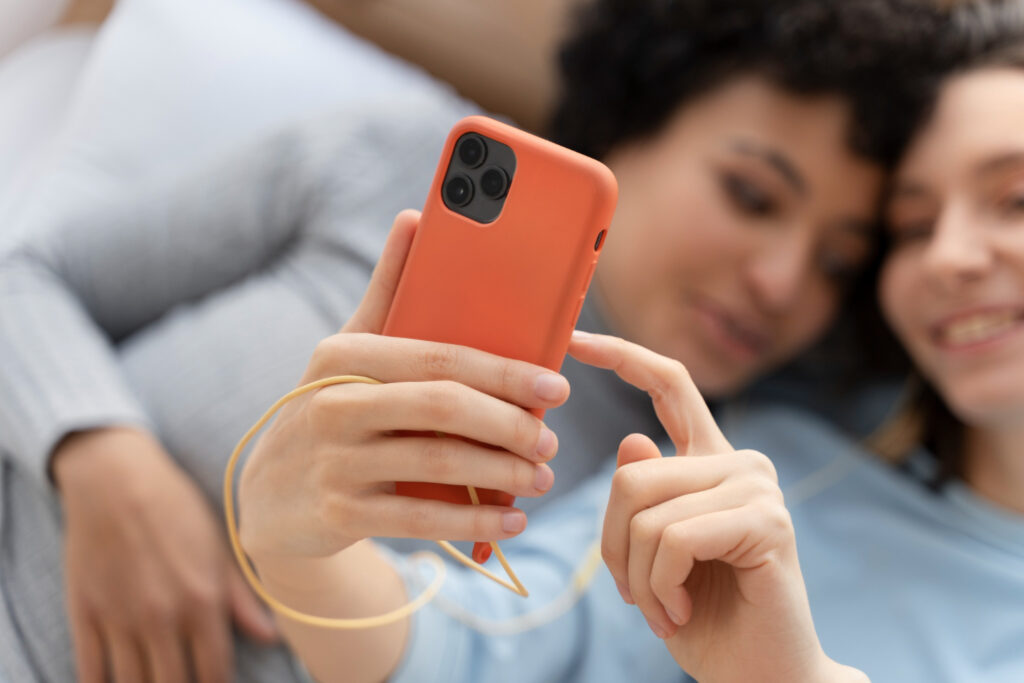
The final lifehack is testing immediately, because accessory problems often show up only in real use. Start with wireless charging if you use it. Place the phone on your usual charger and confirm it locks on quickly and stays charging without dropping in and out. If your charger is a stand, test alignment in the position you naturally use, because a case can change the phone’s balance and shift the coil position slightly. Then test NFC. Make one payment test or a simple NFC tap interaction if you can, because NFC issues are often subtle: it works sometimes, fails other times, or requires an awkward angle. If it fails, the case may be too thick in the wrong spot or may contain materials that interfere. Next, pay attention to signal. A case shouldn’t dramatically reduce reception, but very thick cases or cases with certain embedded elements can change performance. You don’t need complicated tools—just notice if you suddenly have weaker signal in places where it used to be stable. Finally, do a heat check during charging and normal use. If your phone becomes noticeably warmer while wireless charging with a new case, that’s a warning sign. Heat reduces battery health and can cause charging to throttle, which defeats the point of “convenience charging.” The best protection setup in 2026 is the one that survives drops and keeps your phone feeling fast, responsive, and reliable. A case and protector should add confidence, not new troubleshooting.


Leave a Reply